| Introduction to WordPress | Overview of WordPress, its features, and benefits. Setting up a WordPress site, understanding the dashboard, and basic configuration. |
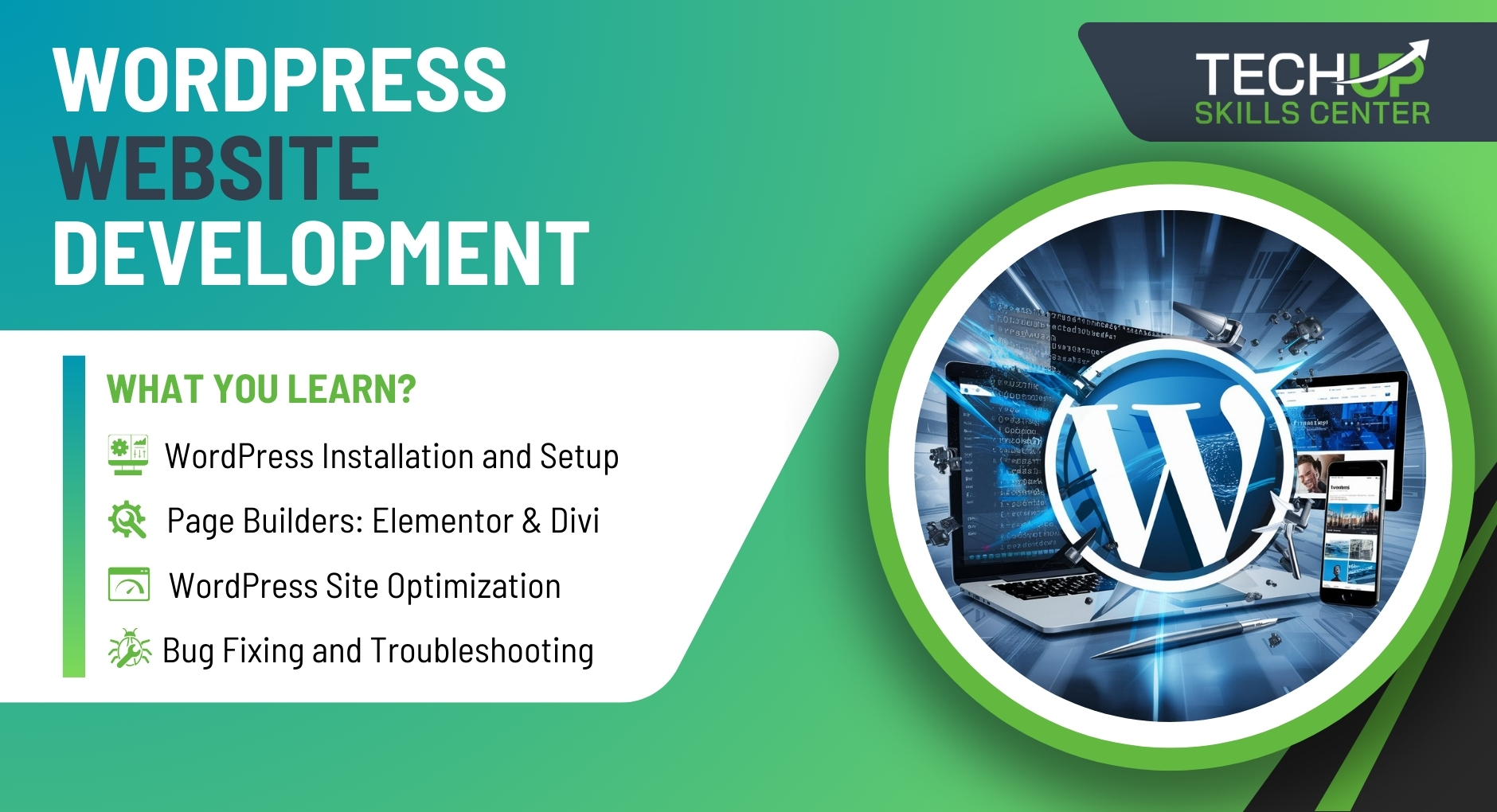
| WordPress Installation and Setup | Detailed steps to install WordPress on different hosting environments. Configuring domain names, DNS settings, and SSL certificates. |
| Themes and Customization | Selecting and installing themes. Customizing themes using the WordPress Customizer. Understanding child themes and theme frameworks. |
| Page Builders: Elementor & Divi | Introduction to Elementor and Divi. Creating and customizing pages using drag-and-drop builders. Advanced layout and design techniques. |
| Plugins and Extensions | Introduction to WordPress plugins. Installing and configuring essential plugins for SEO, security, performance, and functionality enhancement. |
| Content Management | Creating and managing posts, pages, categories, and tags. Using the Gutenberg editor and other content editors. Best practices for content organization and SEO optimization. |
| Media Management | Uploading, organizing, and optimizing media files such as images, videos, and audio. Using media libraries and galleries effectively. |
| Advanced Customization with CSS & HTML | Customizing WordPress themes using CSS and HTML. Implementing custom styles and responsive design principles. |
| WordPress Site Optimization | Techniques for optimizing site performance. Caching, image optimization, and speed improvement strategies. Understanding and using tools like Google PageSpeed Insights and GTmetrix. |
| SEO for WordPress | On-page SEO techniques, integrating SEO plugins, keyword research, and content optimization. Setting up Google Analytics and Search Console for monitoring and analysis. |
| E-commerce with WooCommerce | Setting up and configuring WooCommerce. Managing products, orders, and payments. Customizing the WooCommerce shop and integrating extensions for additional functionality. |
| Security Best Practices | Implementing security measures to protect WordPress sites. Understanding common vulnerabilities, using security plugins, and best practices for user roles and permissions. |
| AI Integration in WordPress | Leveraging AI tools for content creation, personalization, and optimization. Using AI plugins and services to enhance site functionality and user experience. |
| Bug Fixing and Troubleshooting | Identifying and fixing common WordPress issues. Debugging techniques and tools. Troubleshooting themes, plugins, and other site components. |
| Speed Optimization | Techniques for improving website speed. Utilizing caching plugins, image optimization tools, and other methods to enhance performance. |
| Migration and Cloning | Best practices for migrating WordPress sites between servers or domains. Cloning WordPress sites for testing and development. Using plugins and tools for seamless migration. |
| Freelancing with WordPress | How to start freelancing as a WordPress developer. Building a portfolio, finding clients, and setting rates. Optimizing profiles on freelancing platforms like Upwork, Fiverr, and Freelancer. |
| Local Services and Business Development | Offering WordPress development services locally. Networking, marketing strategies, and client management. Setting up a WordPress agency and scaling the business. |
| Tips and Tricks for Efficiency | Expert tips for efficient WordPress development. Keyboard shortcuts, useful plugins, and productivity hacks. |
| Project: Custom WordPress Website | Develop a complete custom WordPress website from scratch. Implement all learned skills including theme customization, plugin integration, SEO, and performance optimization. |
| Assessment | Comprehensive assessment covering all modules. Practical exams, quizzes, and project evaluation to ensure proficiency in WordPress development. |
| Freelancing and Business Strategies | Practical insights into freelancing with WordPress. Developing business strategies for offering local services. Monetization techniques and client acquisition. |