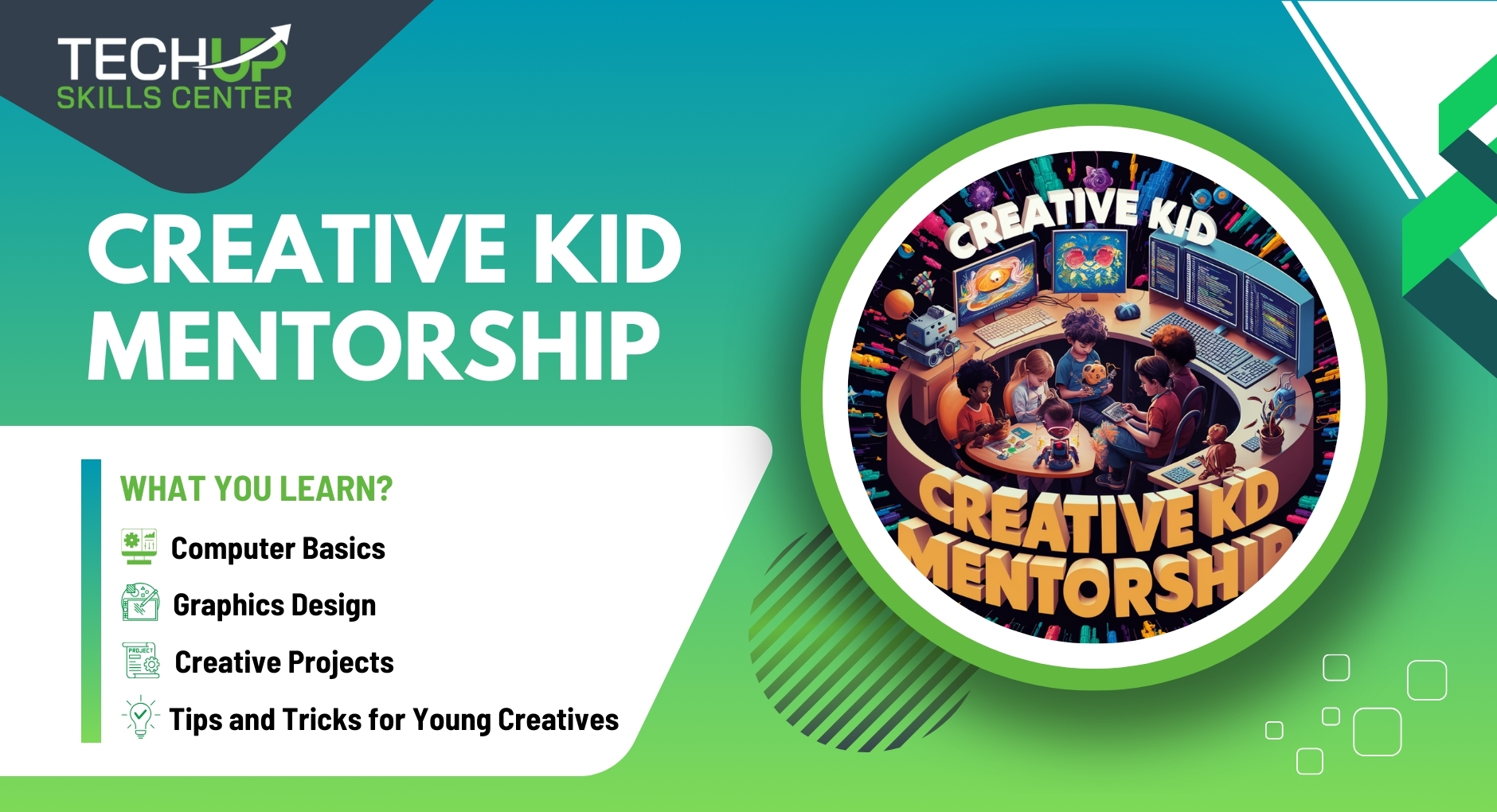
| Computer Basics | Introduction to computers. Understanding different parts of a computer, basic operations, and how to use a mouse and keyboard. Basic troubleshooting and maintenance skills. |
| Design Fundamentals | Introduction to basic design principles. Understanding color theory, shapes, lines, balance, contrast, and composition. Simple exercises to create basic designs and patterns. |
| Graphics Design | Introduction to graphic design tools (e.g., Canva, Adobe Spark). Learning how to create digital artwork, simple logos, posters, and social media graphics. Basics of image editing and manipulation. |
| Search Engine Optimization (SEO) | Business and Keyword Research, On-Page and Off-Page SEO, Local SEO and Technical SEO, eCommerce SEO Strategies, Practical Workshops and Case Studies |
| Presentations | Creating engaging presentations. Introduction to presentation software (e.g., Microsoft PowerPoint, Google Slides). Learning how to design slides, add multimedia elements, and practice public speaking skills. |
| Programming Fundamentals | Introduction to programming concepts using kid-friendly platforms (e.g., Scratch, Code.org). Learning the basics of coding, such as loops, variables, and conditionals. Creating simple interactive projects and games. |
| Creative Projects | Applying skills learned to create a final project. Options include a digital portfolio, a graphic design project, a presentation, or a simple programmed game. Emphasizing creativity and practical application. |
| Tips and Tricks for Young Creatives | Fun and engaging tips for enhancing creativity. Using AI tools designed for kids to assist with graphic design and programming. Encouraging exploration and experimentation with different digital tools and techniques. |